Kotlin app development
Native Android built with Kotlin and Jetpack — predictable performance, platform APIs and a maintainable module structure.
Android app development
Kotlin applications with offline behaviour, real device testing and a Play Store rollout that survives review — not just a build that runs on one emulator.
Written scope and a fixed estimate within two business days. NDA on request.
Release readiness
Most delays at submission come from the same short list. We handle it during the build, not the week before launch.
Capabilities
Native Kotlin work, from a single-screen tool to an app with background sync and hardware integration.
Native Android built with Kotlin and Jetpack — predictable performance, platform APIs and a maintainable module structure.
Screens built with Jetpack Compose where the design system suits it, with Material 3 components and accessible touch targets.
Local storage, sync and conflict handling so the app stays usable on a train, then reconciles when the connection returns.
Compatibility tested across Android versions, screen densities and the manufacturer skins your audience actually uses.
Store listing, screenshots, staged rollout, and the policy checks that cause most first submissions to bounce.
Annual target-SDK bumps, dependency upgrades and crash triage, so the app does not quietly rot after launch.
Decision
The honest answer depends on scope, hardware and how many platforms you need.
| Consideration | Native Android (Kotlin) | Cross-platform |
|---|---|---|
| Language | Kotlin, Jetpack | React Native or Flutter |
| Platform APIs | Full access on day one | Available via plugins or native modules |
| UI fidelity | Platform-native by default | Shared UI, platform tweaks per screen |
| One codebase for iOS too | No | Yes |
| Best when | Android-specific hardware or deep OS integration | The same product must ship on both platforms quickly |
Process
Features, target Android versions, device classes, integrations and the minimum OS you can afford to support.
Modules, data layer, authentication, offline behaviour and the analytics you need to judge the launch.
Screens built against Material 3, with the flows that carry the product completed end to end first.
Emulator matrix plus real devices for the paths that break in the field: camera, notifications, background work, low battery.
Internal testing, closed track, staged production rollout with crash monitoring on each step.
Proof
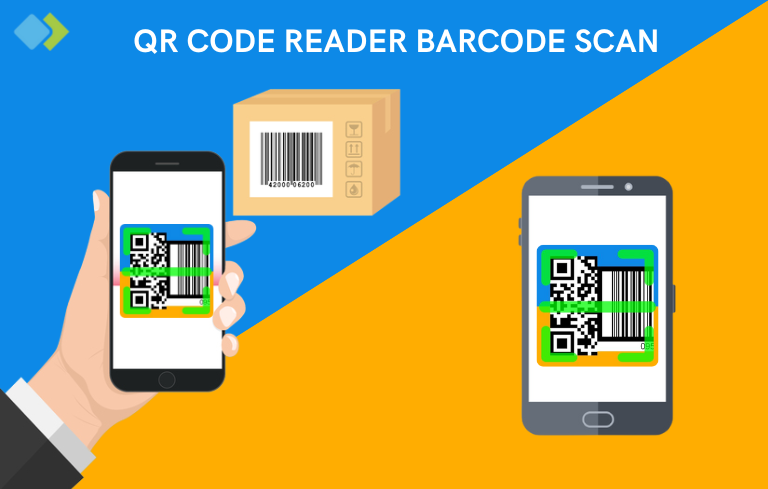
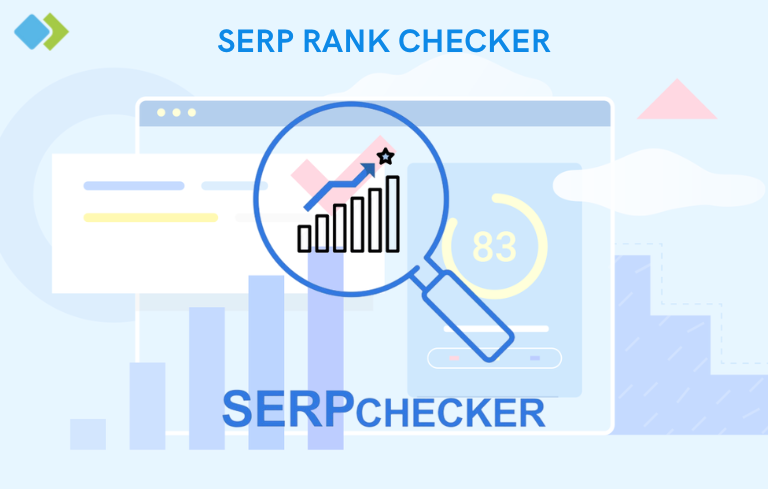
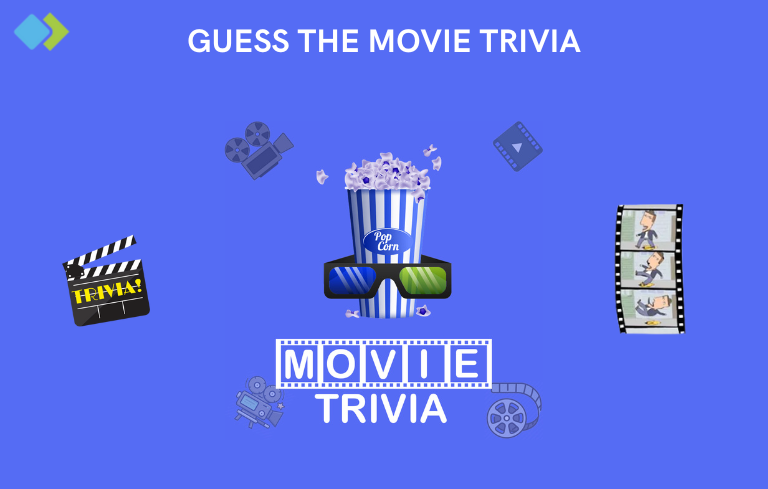
These are on Google Play right now. Install them and judge the quality of the work.
FAQ
Choose native Kotlin when you need deep hardware access, background work or a single platform done properly. Choose cross-platform when the same product must reach both stores quickly and the UI is largely shared. We will recommend against our own upsell if cross-platform is the better fit.
Yes. We start with a review of the codebase, dependencies, Play Console warnings and crash reports, then give you a short list of what is risky versus what is cosmetic.
A first submission is usually reviewed within a few days, but policy rejections add a cycle. We prepare the data safety form, permissions rationale and content rating before submission to avoid the common causes of rejection.
If your audience uses them, yes. Adaptive layouts and window-size handling are part of the build when the product calls for it — they are not something we bolt on after launch.
Android moves every year: target SDK requirements, dependency updates, new form factors. We offer a maintenance agreement that covers the annual compliance work and crash triage.
Request a quote
Send the feature list, the target devices and any Play Console issues you already have. We will reply with an approach, a timeline and a fixed estimate.
No obligation. We will tell you if we are not the right team for the job.
Tell us the goal, platforms and must-have features.
We reply within two business days with scope, approach and a fixed estimate.
Sign an NDA first if you prefer — nothing about your idea is public.