Seven formats, one question bank
A host should never rebuild a quiz to change the board. Grid, List, Trivia, Wheel, Tic-Tac, Hangman and Fusion all read the same question set, so switching formats is a style decision, not a data migration.
TriviaMaker lets one host build a board in three steps and run it live — seven formats, phones in every hand, the game on a projector or a smart TV, and a leaderboard that never falls a question behind.
We built the whole product: the proof of concept, the web platform, the iOS and Android apps, the TV apps, and the real-time session layer underneath all of it.
User, revenue and retention figures on this page are reported by TriviaMaker.

The brief
The trivia was never the hard part. The hard part was everything around it: building a board fast enough that a teacher would do it on a Tuesday night, and keeping every screen in the room honest while thirty people tap at once.
A host should never rebuild a quiz to change the board. Grid, List, Trivia, Wheel, Tic-Tac, Hangman and Fusion all read the same question set, so switching formats is a style decision, not a data migration.
The host can see the answer. The players see buttons. The room sees the board. One session, three different truths — and none of them allowed to leak early.
A room loses energy fast. Players join with a six-digit code or a QR scan, on any device, with no app install and no account to create.
The architecture
The product only works if the host, the players, the projector and the TV are looking at the same game at the same moment. So the surfaces stayed thin and the session lived in one place.
Web · React
Format, categories, points and questions. Saved to the account, reusable next week.
Web · iOS · Android
Advance the board, reveal answers, award points, keep the room moving.
state · code · timer · score
A single source of truth for the running game. Every surface subscribes; none of them owns the state.
Any browser · no install
Buttons, not a login. One screen, one decision, one tap.
Projector · Smart TV · Unity
The audience view: the board, the code, and the leaderboard — nothing they should not see yet.
What we shipped
Screens from the shipped TriviaMaker apps.
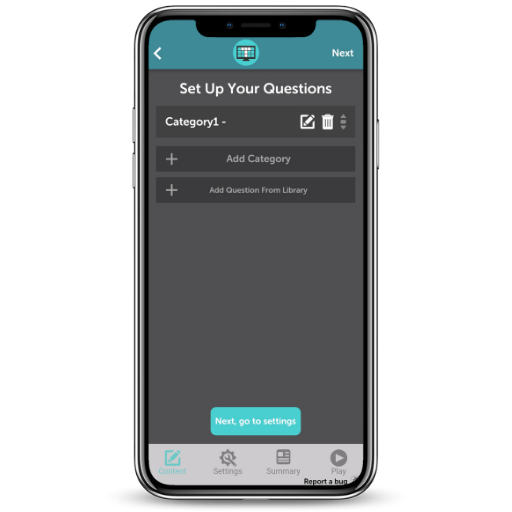
Web · iOS · AndroidPick a format, name the categories, set the point ladder, drop in questions. The whole board is editable before launch and reusable after it.
 Content pipeline
Categories are created inline, questions can come from a spreadsheet, the built-in library, or a prompt, and every format pulls from the same bank.
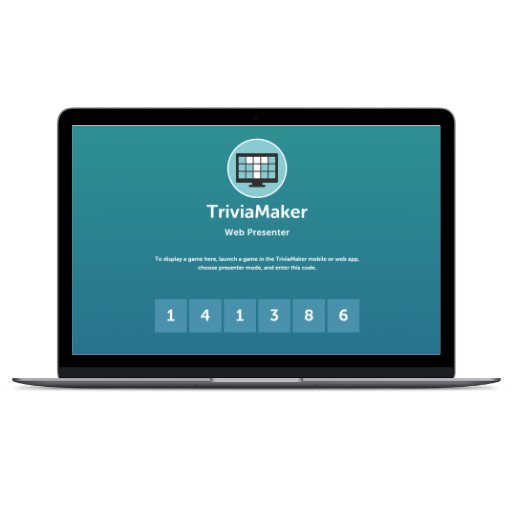 Web · projector
The screen the audience sees stays clean. The host keeps the timer, the answer state and the scoreboard on their own device, one tap ahead of the room.
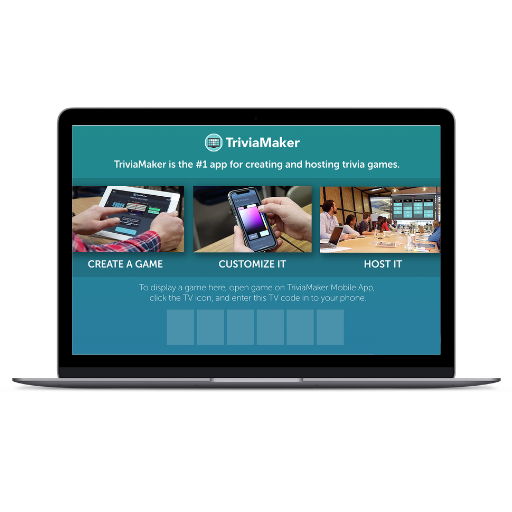 Smart TV · Unity
Pairing a TV with a running session turns the room into the venue: the board on the big screen, every phone a buzzer, the leaderboard live for everyone.
The screens
Thirteen screens from the live build — the builder, the host console, the player view and the TV pairing flow.
Grid game preview
The finished board before launch — categories, point values, and a single Play button.
How it was built
Each phase shipped something a host could use, so the product earned its next round of work instead of assuming it.
One board, one host, one room. We proved the loop — build a game, launch it, play it — before investing in scale.
A demo a teacher could run in a lesson.
The real product: accounts, saved games, the question bank, session hosting and the presenter view.
A host with a laptop and a projector.
Native clients for hosting and playing, sharing the same session layer as the web build.
A host with nothing but a phone.
Smart TV apps for group play, paired to a live session by code.
A room where the board is the biggest thing in it.
Digital marketing, onboarding work, release cadence and ongoing maintenance.
A product that keeps its users after the first game.
The result
TriviaMaker started as a way to build a quiz. It ended up as the thing a room gathers around: a game a host runs from a laptop, a phone or a TV, with a leaderboard everyone can see.
The numbers TriviaMaker reports — half a million active users, $25,000 in monthly recurring revenue, a thirty percent lift in retention — came from a product people run more than once. That is the part we optimise for.
What transfers
Join codes, session state, timers, score updates. If thirty people tapping at once cannot break it, nothing else on the page matters.
Web, phone and TV are not three products. They are three views of one session, and the boundary between them is where these builds usually fail.
A generous free tier, a clear upgrade moment, and a host who has already run one game. Pricing follows the habit, not the other way round.
Tell us what it does, who runs it, and what has to happen live. You get a written approach, the open questions, and a fixed estimate — before you commit to anything.
A written reply, not a sales sequence.
What happens next